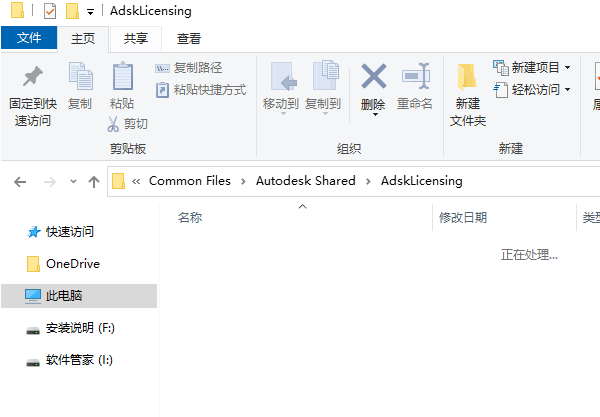
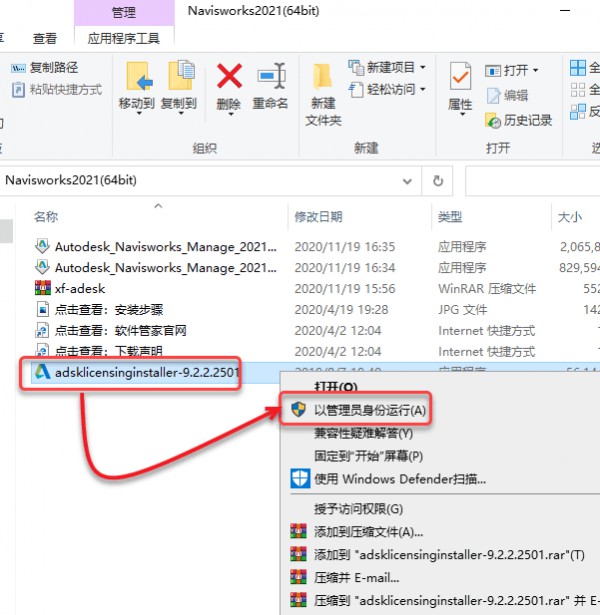
12、回到安装包,右击adsklicensinginstaller-9.2.2.2501选项。点击【以管理员身份运行】即可。
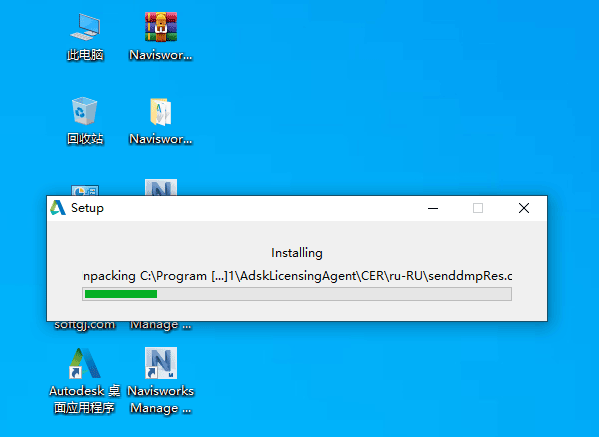
13、进行安装中,请稍等。
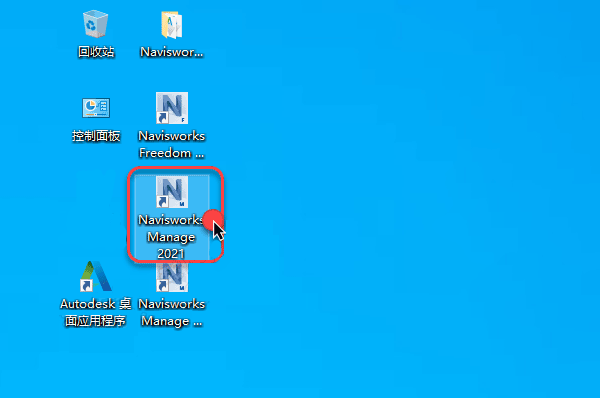
14、双击电脑桌面上的Navisworks Manage 2021软件图标。
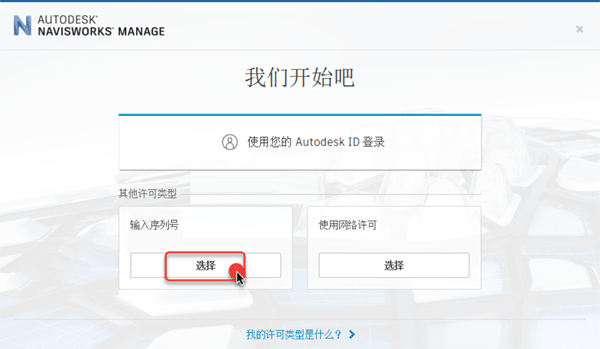
15、然后点击【输入序列号】即可。



 赣公网安备 36082102000008号